Embedded Linux development requires efficient tools to build custom Linux distributions tailored for specific hardware. Two of the most popular tools for this purpose are Buildroot and the Yocto Project. While both serve the same fundamental purpose—creating lightweight, optimized Linux systems—they differ significantly in complexity, flexibility, and use cases.
In this detailed deep dive, we will explore the internal architectures, workflow philosophies, and performance benchmarks of both systems to help you choose the right tool for your next industrial project.
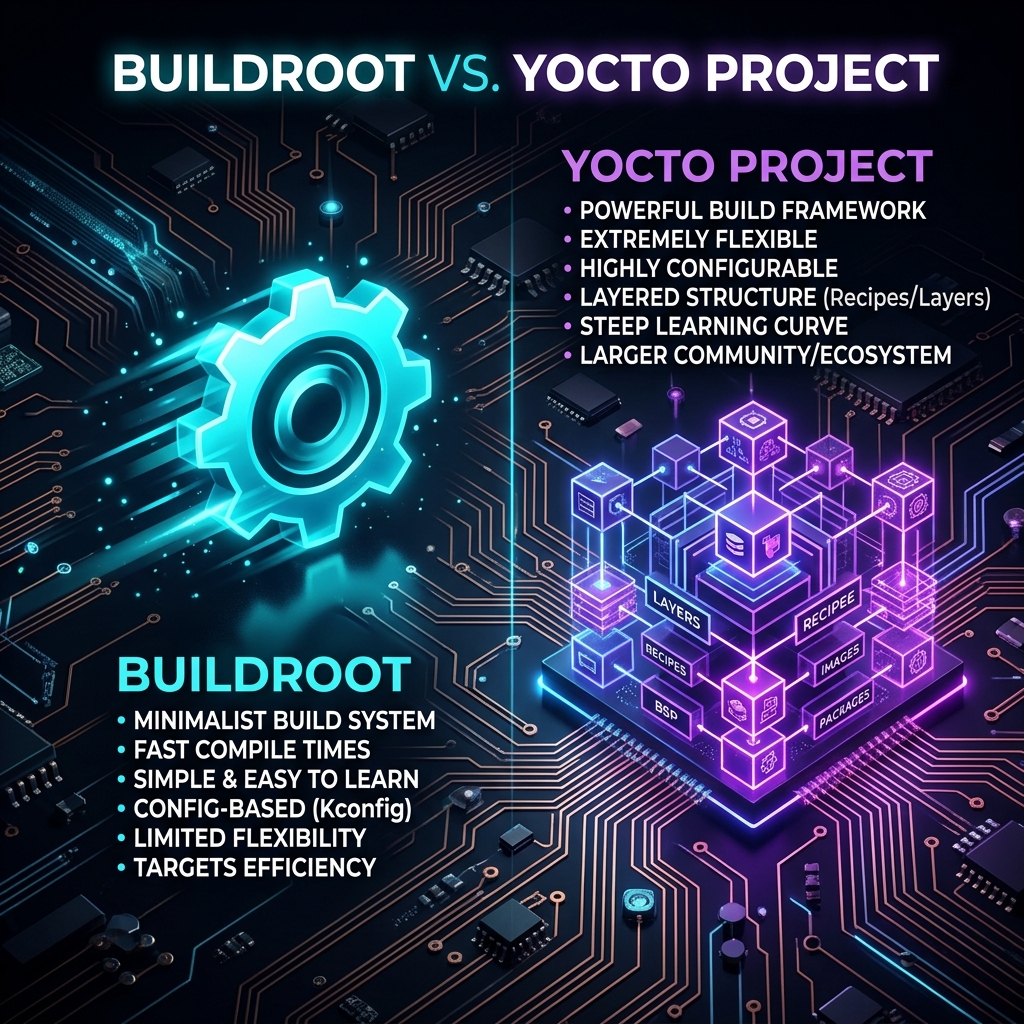
The Core Philosophy: Simplicity vs. Complexity
Buildroot: The "Make" Way
Buildroot is designed with a singular goal: to be as simple as possible. It uses a Kconfig system (similar to the Linux kernel) and a massive set of Makefiles. When you run Buildroot, it downloads source code, patches it, and compiles it in a linear fashion. The output is a complete root filesystem image, a toolchain, and a kernel.
Buildroot is like a fast-food restaurant: you pick from a menu, and you get exactly what you ordered very quickly.
Yocto Project: The Framework Approach
Yocto isn't just a build system; it's a complete framework. It uses BitBake (a Python-based task execution engine) and metadata organized into layers. This modularity allows developers to share hardware support (BSPs) and software configurations without duplicating code.
Detailed Comparison
1. Learning Curve and Configuration
Buildroot is exceptionally easy to learn. If you've ever configured a Linux kernel using make menuconfig, you'll feel right at home. You can have a working image for a Raspberry Pi or BeagleBone in under 30 minutes.
Yocto, on the other hand, has a notoriously steep learning curve. Concepts like recipes (.bb files), appends (.bbappend), layers, and classes (.bbclass) take time to master. However, this complexity enables immense power for enterprise-grade customization.
2. Build Performance and Reproducibility
Buildroot builds everything from scratch by default. While this ensures a clean environment, it can be slow for large projects. However, because it's simpler, there are fewer moving parts that can break.
Yocto uses a sophisticated Shared State (sstate) cache. Once a package is built, its binary result is cached. In subsequent builds, BitBake only rebuilds what has changed. This makes Yocto significantly faster for incremental updates in a team environment.
3. Package Management
- Buildroot: Does not support runtime package management (like apt or yum) by design. If you want to add a package, you must rebuild the image and reflash the device.
- Yocto: Fully supports package management (RPM, DEB, or IPK). You can update individual software components on the fly without rebooting or reflashing.
When to use which?
Choose Buildroot if...
- You need a quick prototype.
- You have limited hardware resources (CPU/RAM).
- The device will never need field updates.
- You want a "fire and forget" system.
Choose Yocto if...
- You are building a commercial product with a long lifecycle.
- You need Over-the-Air (OTA) updates.
- You have a team of developers working on the same distro.
- You need to comply with complex open-source licenses.
Conclusion
Both Buildroot and Yocto are excellent tools in the hands of an experienced Embedded Engineer. At BM Embedded, we typically use Buildroot for specialized industrial sensors and low-power gateways, while Yocto remains our go-to choice for complex edge computing platforms that require high security and long-term maintenance.